
You design your website on a monitor. You test it on a laptop. That's the version that gets approved, and it's the one version Google never looks at.
A mobile SEO checklist fixes that gap. It's the set of checks that make sure Google can crawl, render and rank the phone version of your website, because since July 2024 the phone version is the only one Google indexes. The short version: same content on mobile as on desktop, Core Web Vitals passing on real phones, text and buttons sized for thumbs, no pop-ups in the way, and testing done with tools that still exist.
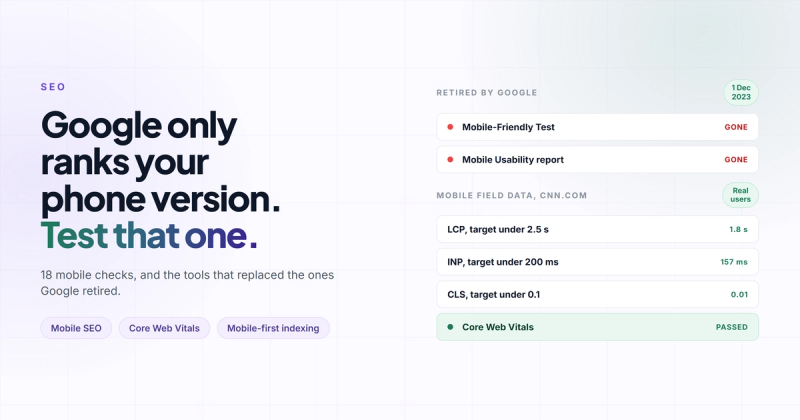
That last one sounds like a joke. It isn't. The top result for this exact query still tells you to run Google's Mobile-Friendly Test, which Google switched off on 1 December 2023. Following it is like getting directions that say "turn left at the video rental shop". If a checklist starts with a dead tool, what else in it is out of date?
Here's the version I run on client sites, with the reason behind each check so you know which ones you can skip.
There's no "mobile version" anymore, there's just your website
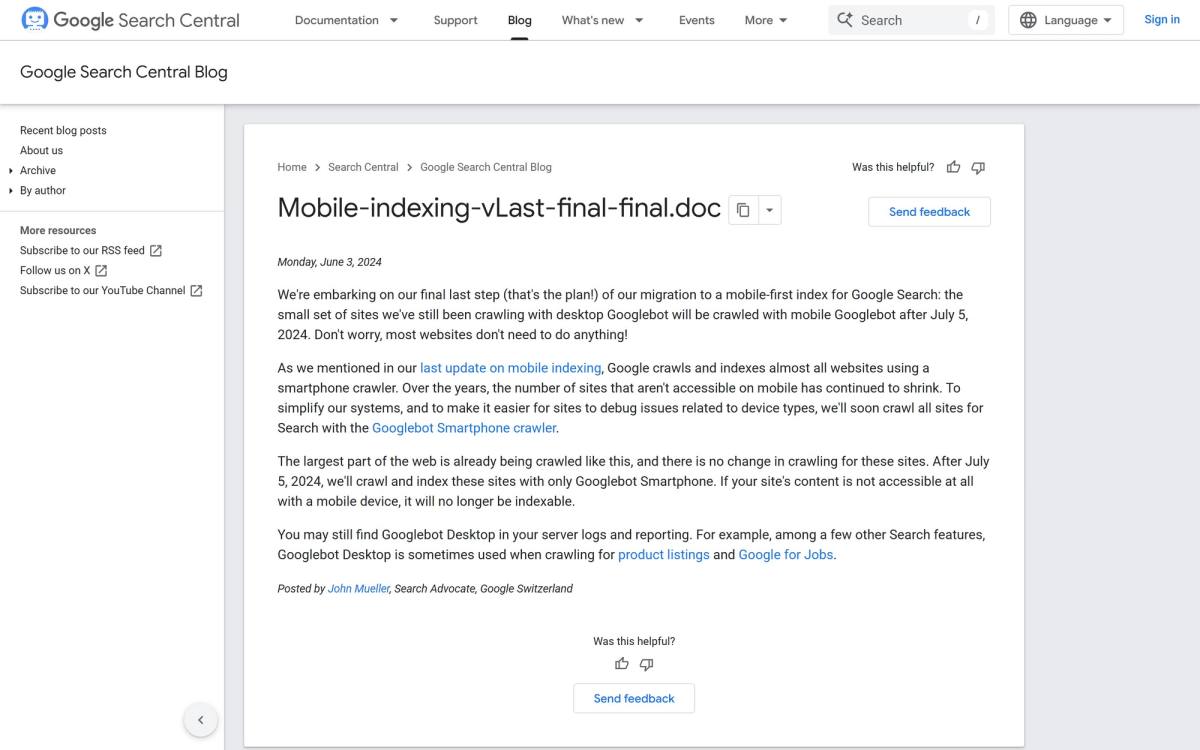
People still treat mobile SEO as an extra layer on top of normal SEO. Optimise the site, then sprinkle some mobile on it. That model died a while ago. Google spent eight years moving to mobile-first indexing, and the last step landed in mid-2024. Every site is now crawled with Googlebot Smartphone. What your page looks like on a phone is what gets ranked, even for someone searching on a laptop.
Think of Google as a restaurant critic who only ever orders takeaway. Your dining room can be gorgeous. The lighting, the plates, the view. He'll never see any of it. He judges whatever arrives in the box on the back of a scooter, and if the dessert didn't make it into the box, as far as his review goes, you don't serve dessert.
So the useful question isn't "is my site mobile-friendly?" It's "what's in the box when a phone loads the page?" If a section, link or schema block only exists on desktop, for Google it doesn't exist.
The mobile SEO checklist
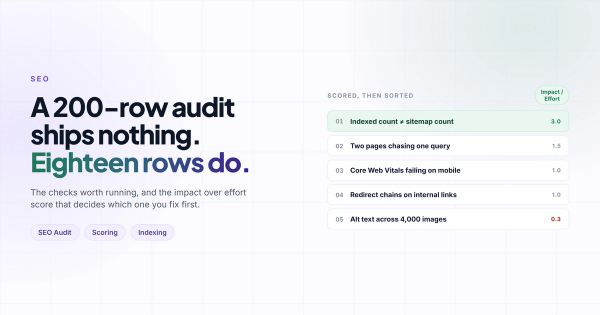
Eighteen checks in five groups, ordered by how much damage a failure does. Start at the top and stop when you run out of coffee.
Indexing and content parity
- Same main content on mobile and desktop. Hiding text in an accordion is fine, Google counts it. Deleting it from the mobile layout "to keep things clean" is how the dessert goes missing.
- Same headings, title and meta description. Some themes swap in shorter mobile headings, and Google indexes the short ones.
- Same structured data. Schema that only renders in a desktop component never gets read.
- Same internal links. A stripped-down mobile menu that drops half your service pages also drops the links Google follows to find them.
- CSS, JavaScript and images not blocked in robots.txt. Googlebot needs them to render the page the way a phone would.
- Primary content doesn't wait for a tap or a scroll to load. Googlebot doesn't click "load more". Most people don't either.
Speed and Core Web Vitals
Google measures these on real visitors through the Chrome UX Report, at the 75th percentile, split by device. Your mobile numbers are almost always the worse ones, because a mid-range Android phone on a train has a fraction of the processing power of your work laptop (and your own shiny phone isn't the average phone either).
- LCP under 2.5 seconds. Usually the hero image. Compress it, serve WebP or AVIF, and never lazy-load it.
- INP under 200 milliseconds. It replaced FID in March 2024 and it's the one that catches people out on mobile. Heavy JavaScript, tag managers and the chat widget nobody has ever typed into all count against it. Google's INP guide explains how it's measured.
- CLS under 0.1. Set width and height on every image and embed, and reserve space for cookie banners and ads.
- Images sized for phones. Use
srcsetso a 390 pixel screen doesn't download a 2,400 pixel photo.
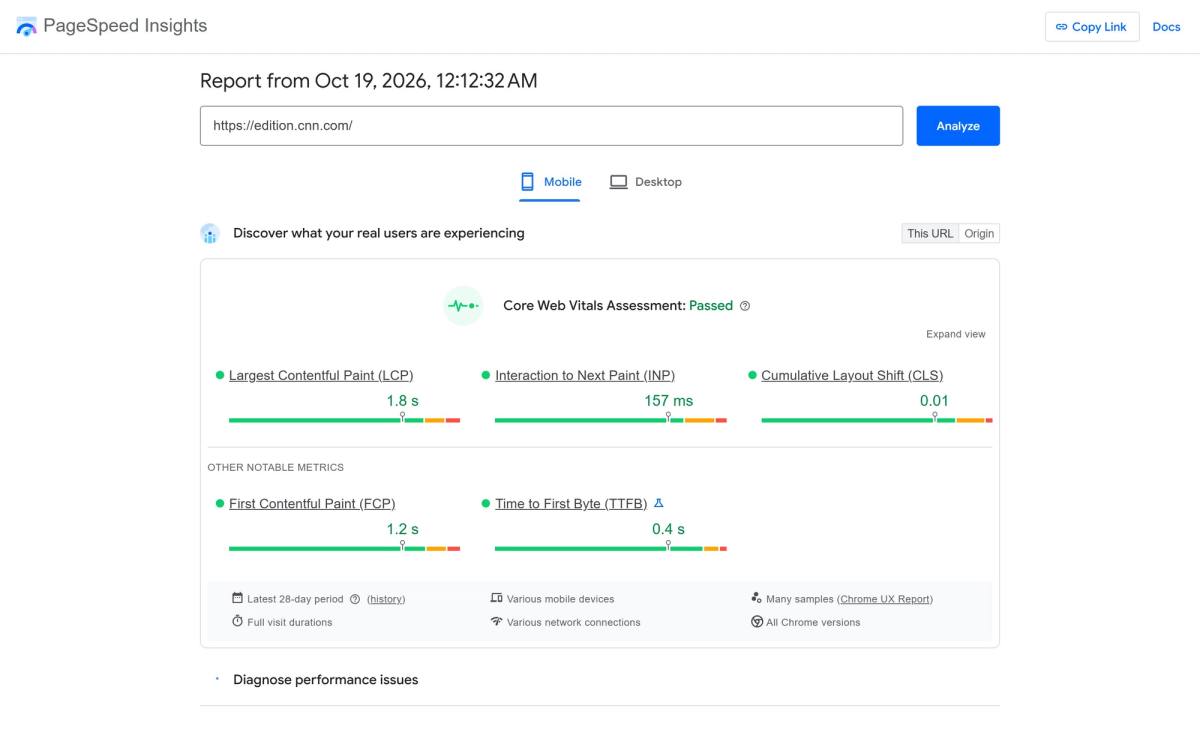
If a news homepage full of ads and trackers can pass on mobile, your five-page service site can too. If yours doesn't, the usual suspects are in why your website feels slow.
Layout and tap targets
- A viewport meta tag. Without it, phones render the desktop layout and shrink it. One line fixes it, shown below.
- Responsive layout, one URL. Separate m-dot sites still work, but they need canonical and alternate tags kept in sync forever. I wouldn't build one now.
- Body text at 16 pixels or more. Below that, iPhones zoom into form fields when someone taps them, and your contact form suddenly feels like it's lunging at the visitor.
- Tap targets around 48 pixels, with space between them. The same rule is in my website accessibility checklist, because fat-fingered visitors and visitors with motor impairments have the same problem.
- No horizontal scroll at 360 pixels wide. One oversized table or fixed-width embed is enough to cause it.
The viewport tag, for copying:
<meta name="viewport" content="width=device-width, initial-scale=1">Pop-ups and interstitials
Nothing should cover the main content on arrival. Google's guidance on intrusive interstitials allows cookie notices, age gates and small banners. The full-screen "get 10% off" modal is what it penalises: shown to someone who has been on the page for half a second and hasn't decided yet whether they like you. Visitors close it with the back button, which is the one button you didn't want them to find.
Mobile search intent
- Click-to-call and directions where they make sense. Phone searches skew local and urgent. A phone number that isn't a
tel:link is a lead you made someone work for. - Answers above the fold. On a phone, "above the fold" is about 600 pixels. If that screen is a stock photo of people high-fiving and a slogan, the answer sits three swipes down.

The tools Google retired, and what to use instead
In December 2023 Google removed the Mobile-Friendly Test, the Mobile Usability report and the Page Experience report, all in one go. Mobile usability didn't stop mattering. Google just decided Lighthouse and the Core Web Vitals report already did the job, and left half the internet's checklists pointing at an empty building.
| If a checklist tells you to use | Use this instead |
|---|---|
| Mobile-Friendly Test | Lighthouse in Chrome DevTools, mobile mode |
| Mobile Usability report | Core Web Vitals report in Search Console, mobile tab |
| Page Experience report | PageSpeed Insights field data, plus the HTTPS report |
| "Fetch as Google" | URL Inspection, then Test live URL |
Fair warning about Lighthouse: its score is a lab simulation on one throttled device. Treat it as a to-do list. The field data in PageSpeed Insights and Search Console is what Google actually uses.
How to see your page the way Googlebot Smartphone sees it
I once lost an embarrassing afternoon to a React hydration error. Checked my components, checked the server, questioned my career. The cause was a browser extension injecting attributes into the page. Nothing to do with my code at all.
Since then I don't trust what my own browser shows me. Dragging the window narrow to "check mobile" is the same trap with extra steps. It's like test-driving a car by sitting in it in the showroom: the seats are real, nothing else is.
The closest thing to Google's view is URL Inspection in Search Console. Paste the URL, click Test live URL, then View tested page. You get the rendered HTML and a screenshot from Googlebot Smartphone. Search that HTML for your key paragraph, schema and main links. Missing there means missing from the index.
Your browser lies to you a little. Googlebot Smartphone doesn't. When they disagree, Google's version is the one that ranks.
Then use the site for two minutes on a real phone, ideally a cheap Android on mobile data. Fill in the form. Open the menu. You'll find things no tool reports, like a sticky header eating a third of the screen.
If you want the mobile checks as part of a wider review, they slot into my SEO checklist and the website audit checklist.
Questions people ask about mobile SEO
What is mobile SEO?
Mobile SEO is making sure the phone version of your website can be crawled, rendered and ranked well. Since Google indexes the mobile version of every site, it's no longer a separate task from technical SEO.
Does Google still have a mobile-friendly test?
No. Google retired the Mobile-Friendly Test and the Mobile Usability report on 1 December 2023. Use Lighthouse in Chrome DevTools, PageSpeed Insights, and URL Inspection in Search Console instead.
How is mobile SEO different from desktop SEO?
The ranking signals are the same, but they're read from the mobile page. Content missing on mobile or slow mobile Core Web Vitals hurt your rankings everywhere, desktop results included.
How do I check if my website is mobile-friendly?
Read the mobile field data in PageSpeed Insights, then use URL Inspection in Search Console to see what Googlebot Smartphone renders. Finish on a real, mid-range phone.
Is a responsive website enough for mobile SEO?
No. A responsive layout can still be slow, hide content, use tiny tap targets or open with a full-screen pop-up. Responsive solves the layout problem and nothing else.
What are the most common mobile SEO mistakes?
Removing content or links from the mobile layout, lazy-loading the hero image, full-screen pop-ups on arrival, and too much third-party JavaScript dragging INP over 200 milliseconds. The last one is the hardest to spot, because the page loads fine and only lags when you tap.
Put the laptop down
Most mobile SEO problems survive for years for one boring reason: nobody on the team uses the site on a phone. It gets built and approved on a big screen, and ranked on a small one. The critic keeps ordering takeaway, and nobody ever checks what's in the box.
So close this tab, open your homepage on your phone, and try to do the one thing you want visitors to do. If it takes more than three taps or you squint once, you've found your first fix. If you'd rather have someone else find all eighteen, that's what our SEO service is for.
Comments